iPhone & Android
The CleanOps field app.
Your jobs, checklists, photos and hours on your phone. Free for cleaners invited by their company.


Office staff? Sign in on the web.
Getting started
- 1
Get your invitation
Your company adds you in CleanOps and sends an email invitation.
- 2
Install the app
Download CleanOps from your phone’s app store.
- 3
Open the invitation link
Set a password, then sign in to see your assigned jobs.
What’s in the app
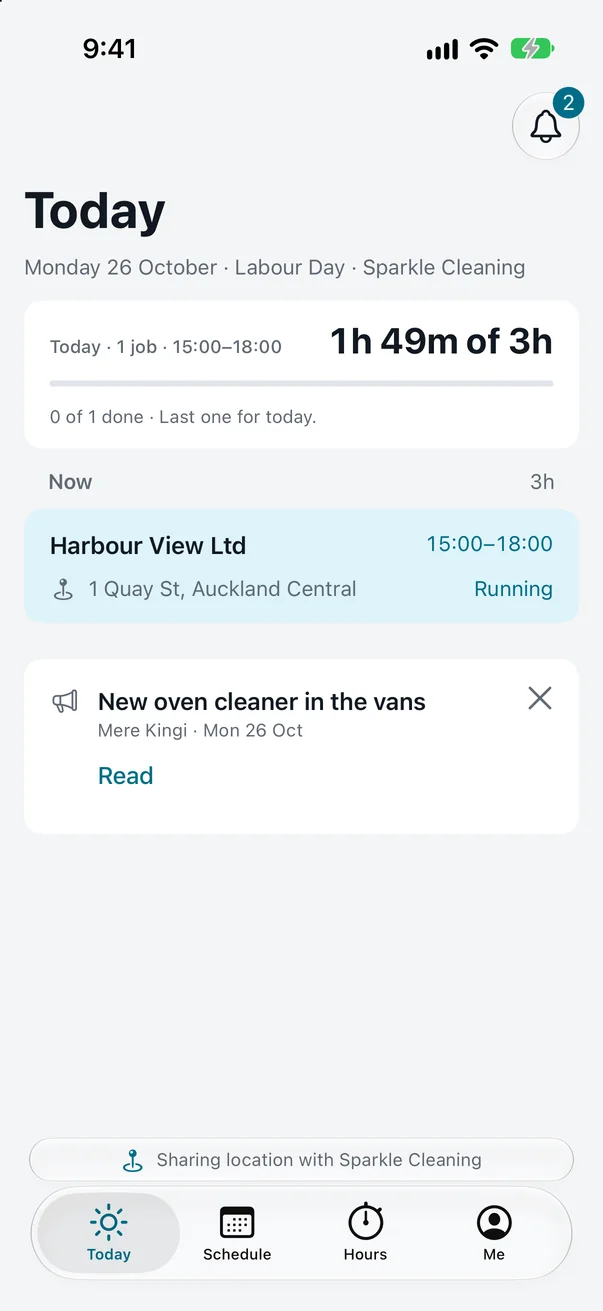
- Today
- The job you are on and what is next.
- Schedule
- See two weeks ahead and confirm or decline jobs.
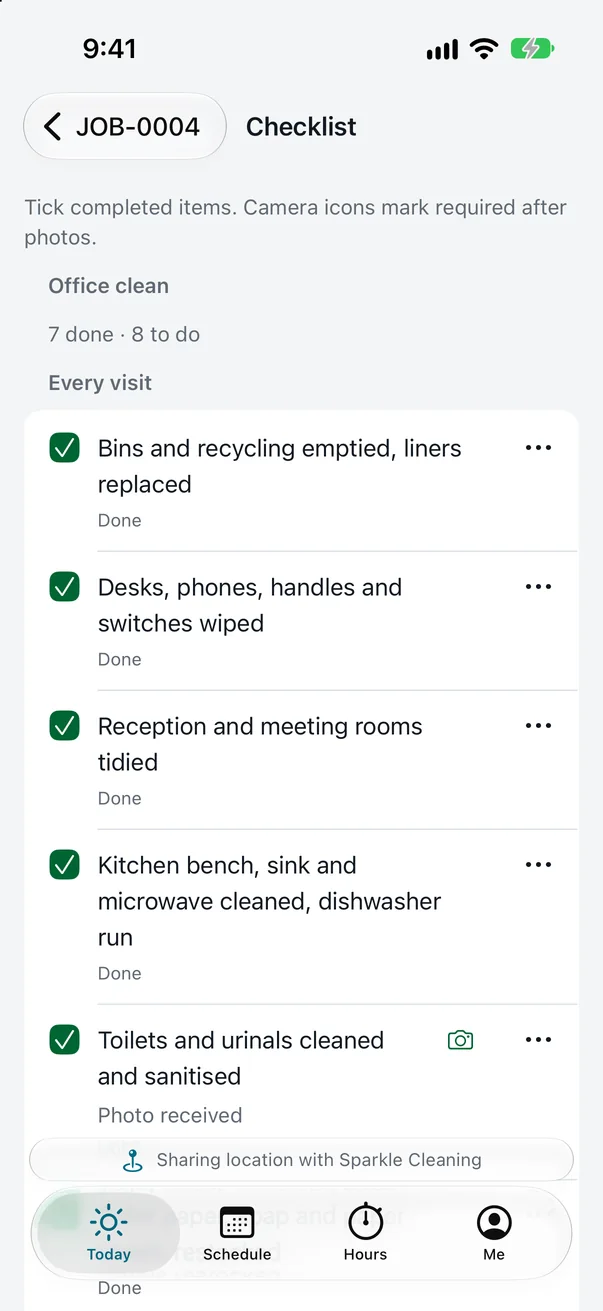
- Checklists & photos
- Complete the checklist and record the required photos.
- Hours
- Record your work and travel time for the office to review.
- Offline access
- Work is saved on your phone and sent when connected.
- Your own work
- Customer prices and other people’s hours are not shown.
Location is shared only while you work, only if your company turns it on, and never sets your hours.